What it is
Code Editor is an online workspace for creating and testing HTML, CSS, JavaScript, and front-end demos in one place. It lets you write code, preview changes instantly, and share projects without switching between multiple tools.
It is designed for fast experiments, learning, prototyping, and lightweight product work. Open it in the browser, start building right away, and send the result with a simple link when you are ready.
Why it’s useful
The editor keeps your code, preview, debugging, and sharing flow in one simple workspace. That makes it useful for developers, students, creators, marketers, and teams who need to test ideas quickly without a heavy setup process.
Key Features
Smart code editing
Write in a clean editor with syntax highlighting, autocomplete, bracket matching, and a familiar coding experience.
Instant live preview
See changes as you build without switching to another environment or refreshing a separate workflow.
Built-in console
Catch issues faster and review logs in the same workspace while you build and test.
Ready-to-use templates
Start from a useful structure instead of building everything from scratch for every new idea.
Shareable project links
Send working demos to teammates, clients, or students in seconds with a simple link.
Works across devices
Open, review, and present projects from desktop or mobile whenever you need quick access.
Open Code Editor → 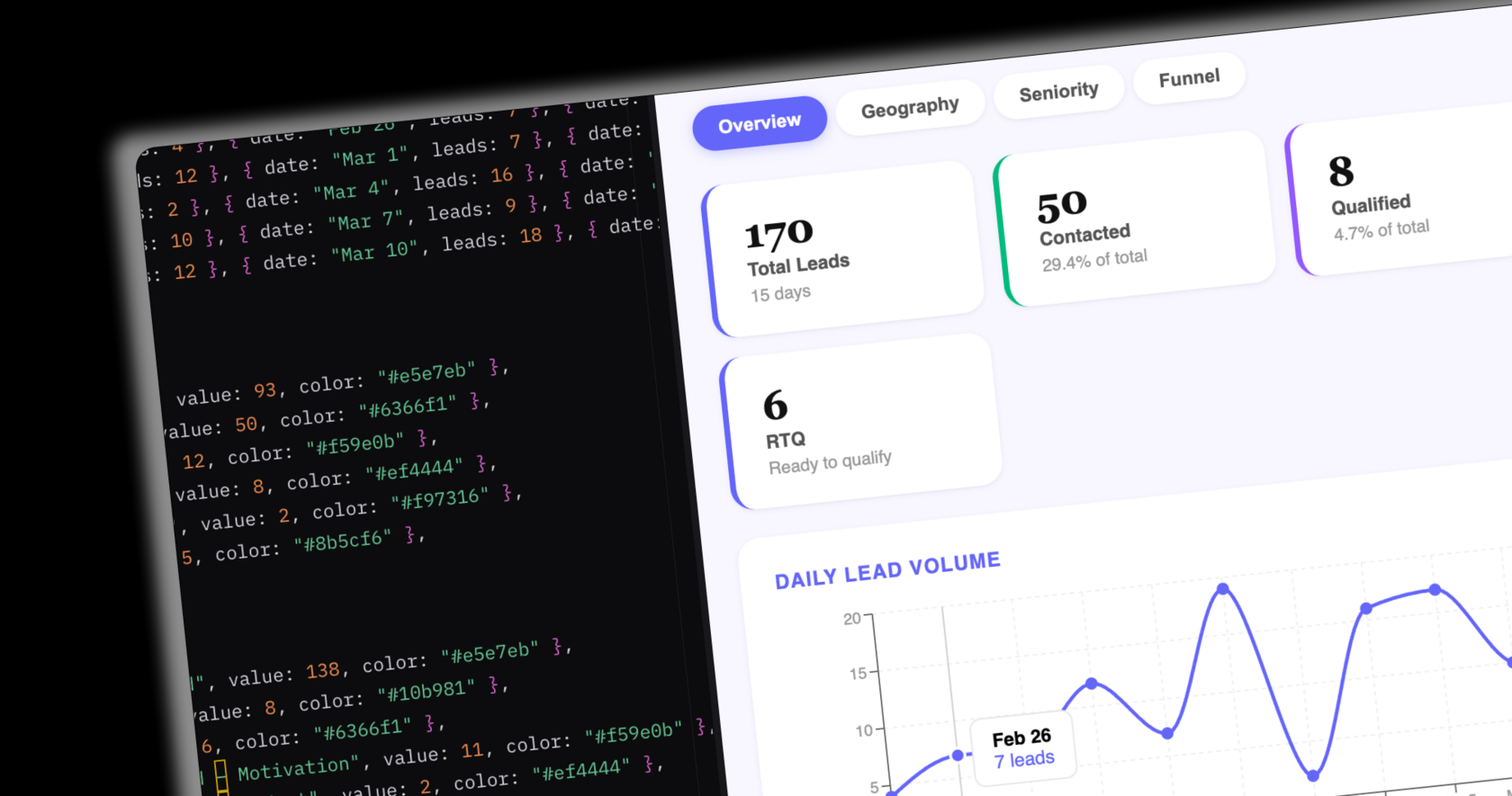 React, HTML, CSS, JS
 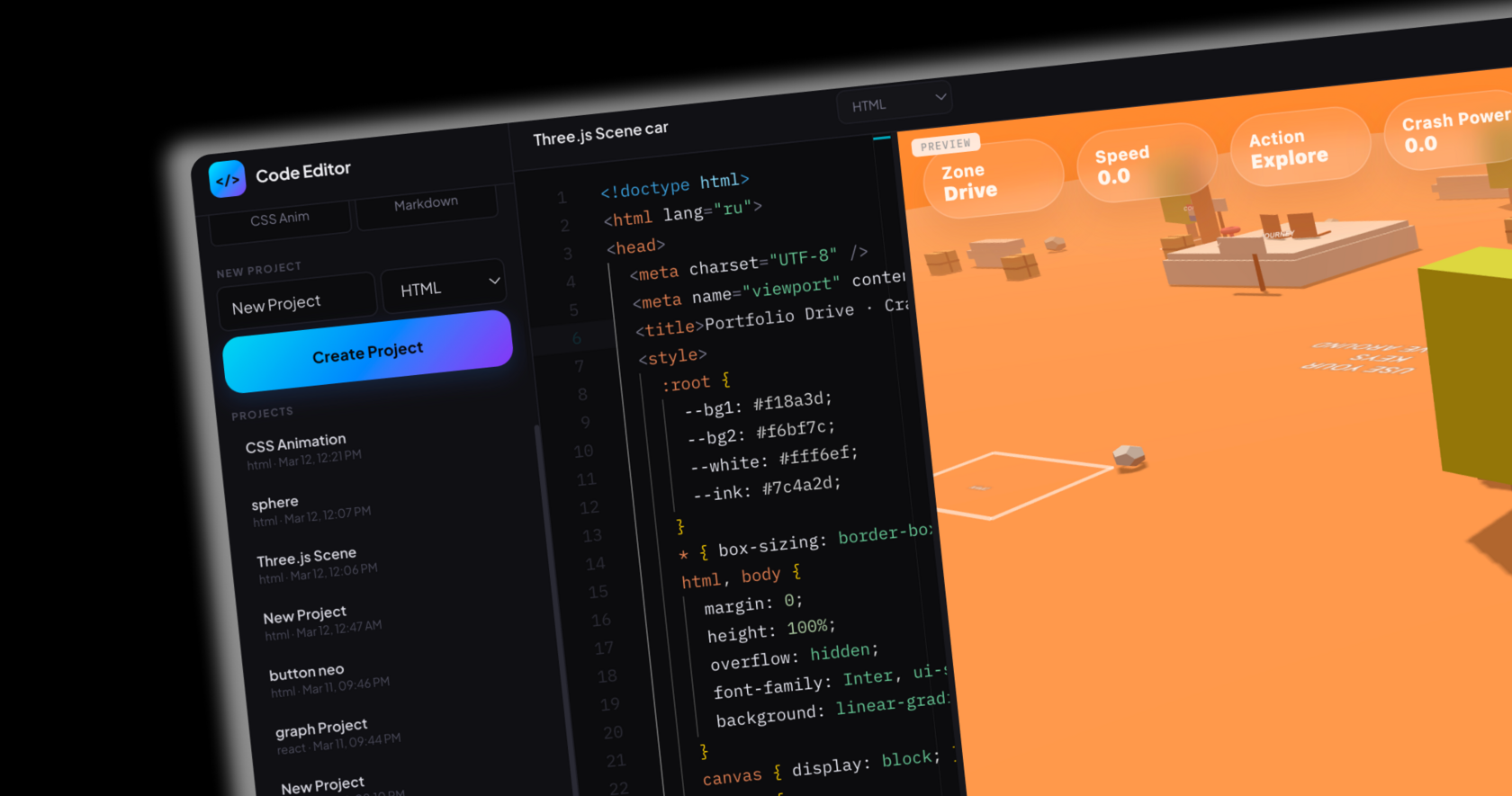 Live coding with instant preview
 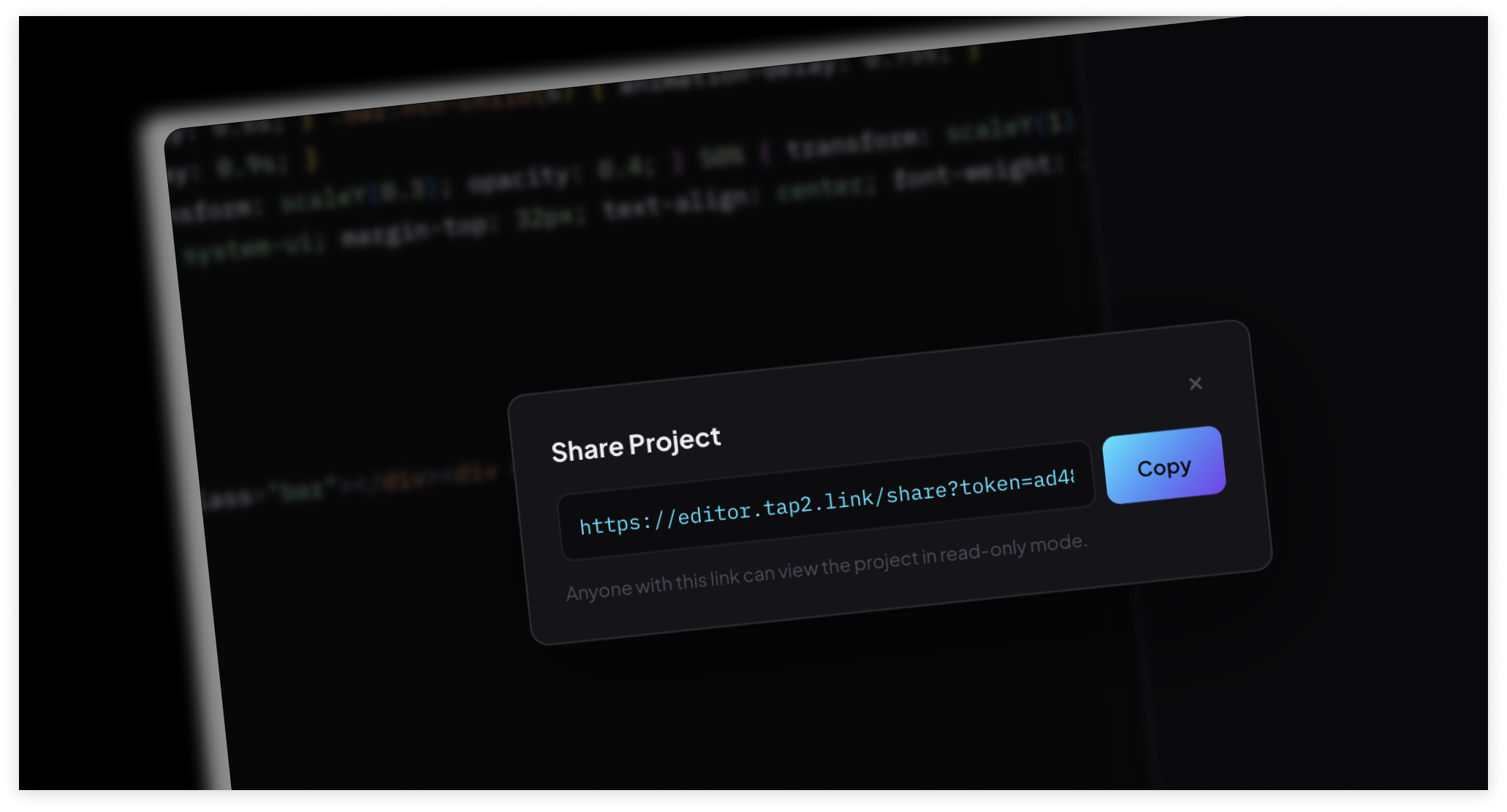 Project workspace and code view
 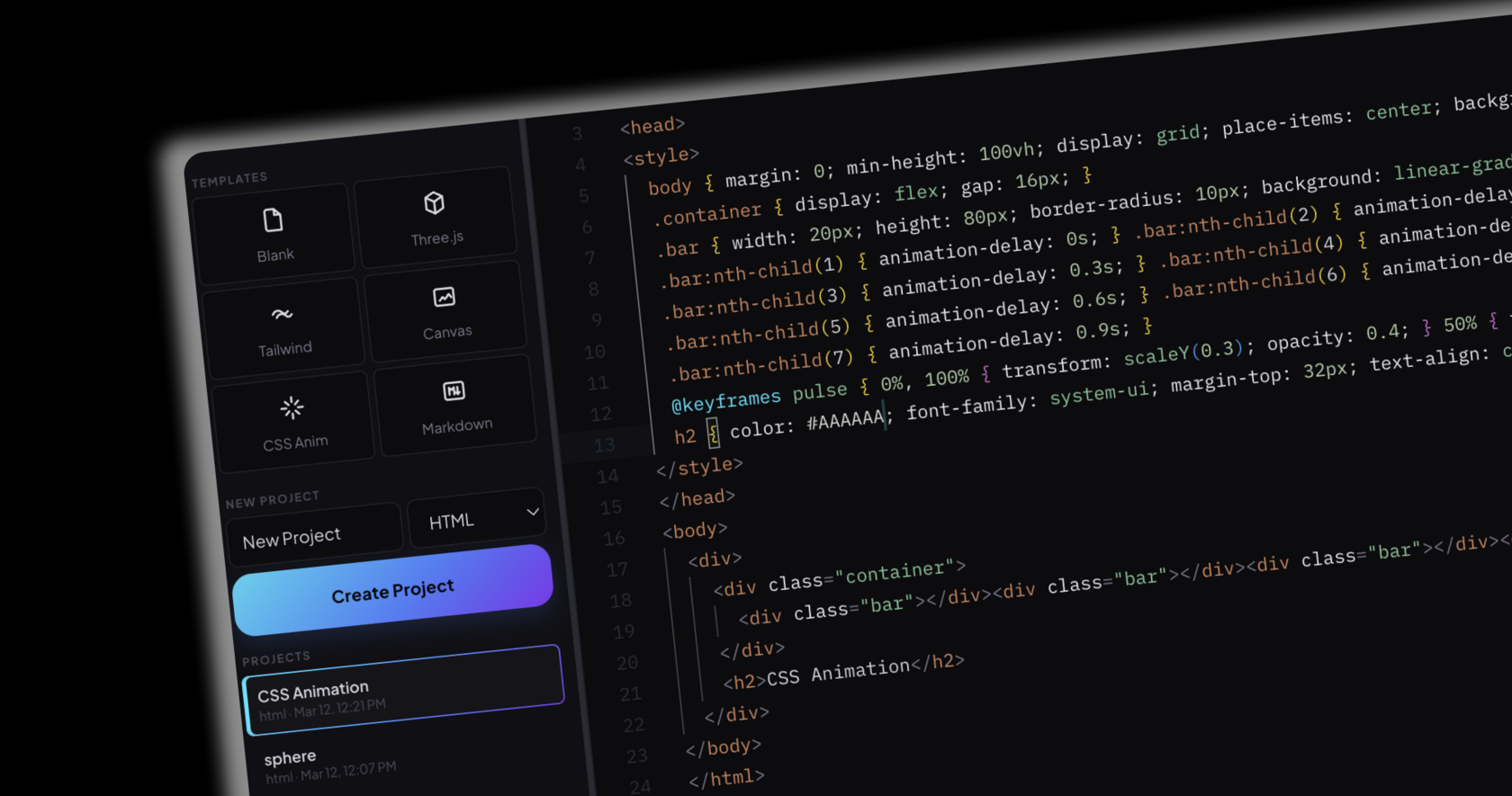 One-click project sharing